
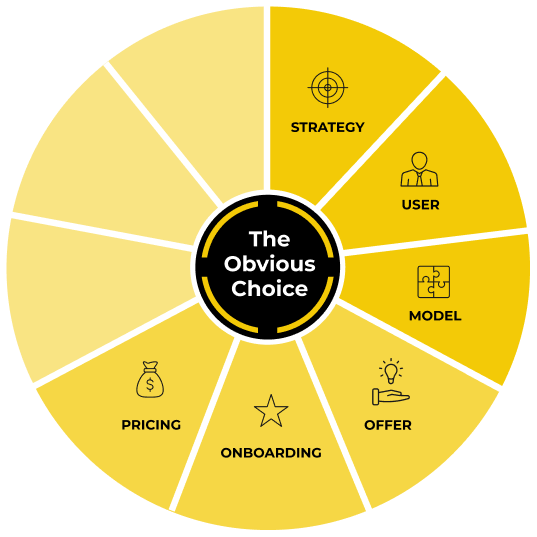
The Value Ladder Framework is a four-phase method for designing product-led pricing that scales with the value your customers receive. You identify one or two value metrics, build a pricing matrix, set prices with a Van Westendorp survey and turn it all into a pricing page users understand in under five seconds.

Rate yourself from 1 to 10.
A product-led business will die if it can’t convert users into paying customers.
Getting users to upgrade is infinitely easier if you’ve created enormous value. Even if you do provide incredible value, it might not be enough to push users to pull out their credit cards and upgrade.
Your pricing must align your company’s financial success with your user’s success. When they win, you win—simple as that. This symbiotic relationship locks in incentives.
Take PromoTix: Every time a ticket is sold, PromoTix makes 1.75% of the fee. Sell 100 tickets, and you both win.
But great pricing isn’t just about value metrics. There are several pricing traps that are all too easy to fall into. I would know. I’ve been ensnared by them all.
Trap 1: Not Being Transparent
If you go to a company’s website and don’t see the price…it’s expensive.
A lack of transparency puts the user at a huge disadvantage. A user doesn’t know if you’ll charge them 10x the price of another user just because you have a more valuable use case. Sales-led companies can charge each customer a different amount. You could say this is good business. Yet the lack of transparency increases the time it takes to close a deal.
One of the easiest ways a company can build trust is by showcasing its pricing. This transparency sets clear expectations, speeds up decision-making, and leads to a quicker and smoother upgrade.
Trap 2: Misaligned Incentives
Your incentive as a business is to make more money. Your user’s incentive is to maximize the value of your product. Great pricing aligns these incentives.
Symptoms of misalignment include difficulty increasing the lifetime value of a customer and flat revenue per user.
When incentives align, you’ll make more per customer, which is great because one of the biggest benefits of a product-led business is to land and expand each account.
Let’s say you run a merchant-of-record company like Paddle.com, and you currently charge based on features. Your Pro plan is $99/month, which gives a user the tools to charge international customers. Walmart.com signs up for your plan and processes $100 million in the first month.
Your team is scrambling. The amount of requests and support required to process that cash is overwhelming. You either have to cancel the customer or find a new pricing model.
A simple pricing model scales with the value your customers receive. In Paddle’s situation, it’s pretty simple. For every dollar a customer makes, you charge between 3 to 5% as a fee, like a credit card. When companies like Walmart.com sign up to use Paddle, you can support them as they scale up and remain incentivized to help them grow.
Trap 3: Big Jumps in Pricing
Product-led companies are land-and-expand machines. You might start charging users a small amount, but as users access more features and use your solution more, it’s natural they’ll be charged more.
Yet taking users from free to $2,000 per month is a steep jump few will make. Most companies with a steep pricing jump don’t have a pricing metric that scales well, so they try to capture as much value as possible early in the relationship. This scares off a lot of potential customers.
This doesn’t mean you can’t charge $2,000 per month at some point; it just means you might start off with a small amount, like $50 per month.
Trap 4: Your Pricing Page is Confusing
Billions of dollars are lost each year on bad pricing pages. Even with well-bundled plans and aligned incentives, the complexity of pricing can still hamper conversions.
If users can’t determine which plan is right for them in less than five seconds, your pricing page needs work.
Let’s dig into the Value Ladder Framework so you can avoid these mistakes and turn users into high-paying customers.
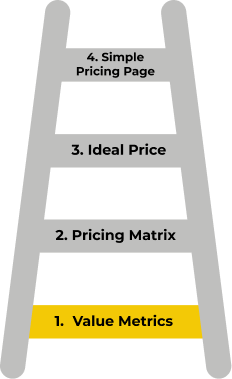
Phase 1: Identify Your Value Metrics
A value metric is the way you measure value exchange in your product.
Ultimately, value metrics are the linchpin of a product-led GTM strategy. You're aligning your revenue model with the success of your user.
Here’s what they look like in practice:
- A value metric for a video platform like Vidyard could be the number of videos uploaded.
- A value metric for a communication application like Slack could be the number of users.
- For a payment processing platform like Paddle, a value metric could be the total revenue generated.
Patrick Campbell, former CEO of ProfitWell, emphasizes that value metrics outperform feature differentiation with up to 75% less churn.
Value metrics answer two key questions:
- What does our ideal customer want in a product or service?
- How much is the ideal customer willing and able to pay?
Value metrics represent what’s needed to push customers to sign up, upgrade, or renew. You can also use them in reverse to determine why users remain on a free plan instead of upgrading.
A great value metric should be:
Simple to understand. When someone visits your pricing page, will they immediately know what they’re paying for and which plan is best for them? For instance, if you’re in the email marketing space, most solutions charge by the number of contacts, so using contacts as your value metric makes sense.
Aligned with the product's core value to the customer. For many companies, your value metric will align with the Key Usage Indicator (KUI) you identified in the User Component. For example, the KUI for practice management software might be when 25 appointments are booked. In this case, the value metric would be the number of appointments booked.
What core components lead someone to experience a meaningful outcome? The number of contacts in the CRM? The number of live-chat conversations started? Pieces of content downloaded?
Scalable. Does your value metric scale well? If users use 100 vs.10 units of your value metric, is it fair to charge them more? If customers get incredible value from your product, charge them more—your product is worth it. Charge customers less if they aren’t getting the full value.
Although it’s easy to suggest what makes a good value metric, choosing the wrong one is even easier.
How to Find Your Value Metric
Your value metrics help you monitor if users achieve meaningful outcomes in your product. They also play a critical role in reshaping your pricing strategy.
By now, you should have a few hypotheses about your value metric:
- Is it messages sent?
- Number of users?
- Revenue generated?
If you’re in an established market, Greg Leach, a pricing consultant, recommends doing a market scan. The value metric is likely well-defined, and you’ll benefit from using it versus trying to educate potential customers on a new one.
Review your Beginner, Intermediate, and Advanced levels from the Model Component and your KUI. One of the easiest ways to spot a value metric is to look at which items remain the same across all packages but have different numerical amounts.
To help you determine whether you should keep a value metric, take your top choices through the Value Metrics Scratchpad.
For example, Senja is a software company that makes it easy to collect testimonials. Should its value metric be the number of users?
If Senja uses user-based pricing, they aren’t aligning value with pricing. What if they used the number of testimonials collected as a value metric?
In this case, as Senja customers collect more testimonials, Senja can charge them more. It feels right because it aligns the value they provide with the value the customer gets.
Limit your value metrics to one or two. Less is more.
Once you’ve identified your value metrics, it’s time to package everything together.
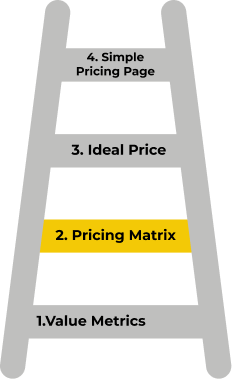
Phase 2: Build Your Pricing Matrix
Your pricing matrix is what users see on your pricing page.
Even if you showcased your pricing matrix and nothing else, they should be able to make a snap decision on which plan is right for them.
Your pricing matrix builds on the DEEP Model you created in the Model Component. It’s the foundation for what goes into each plan. The main difference between the two is that the DEEP Model is used internally, while the pricing matrix is used externally.
Let’s build off the PromoTix example from the Model Component.
This framework covers all the potential challenges a user will face when trying to set up and host a successful event.
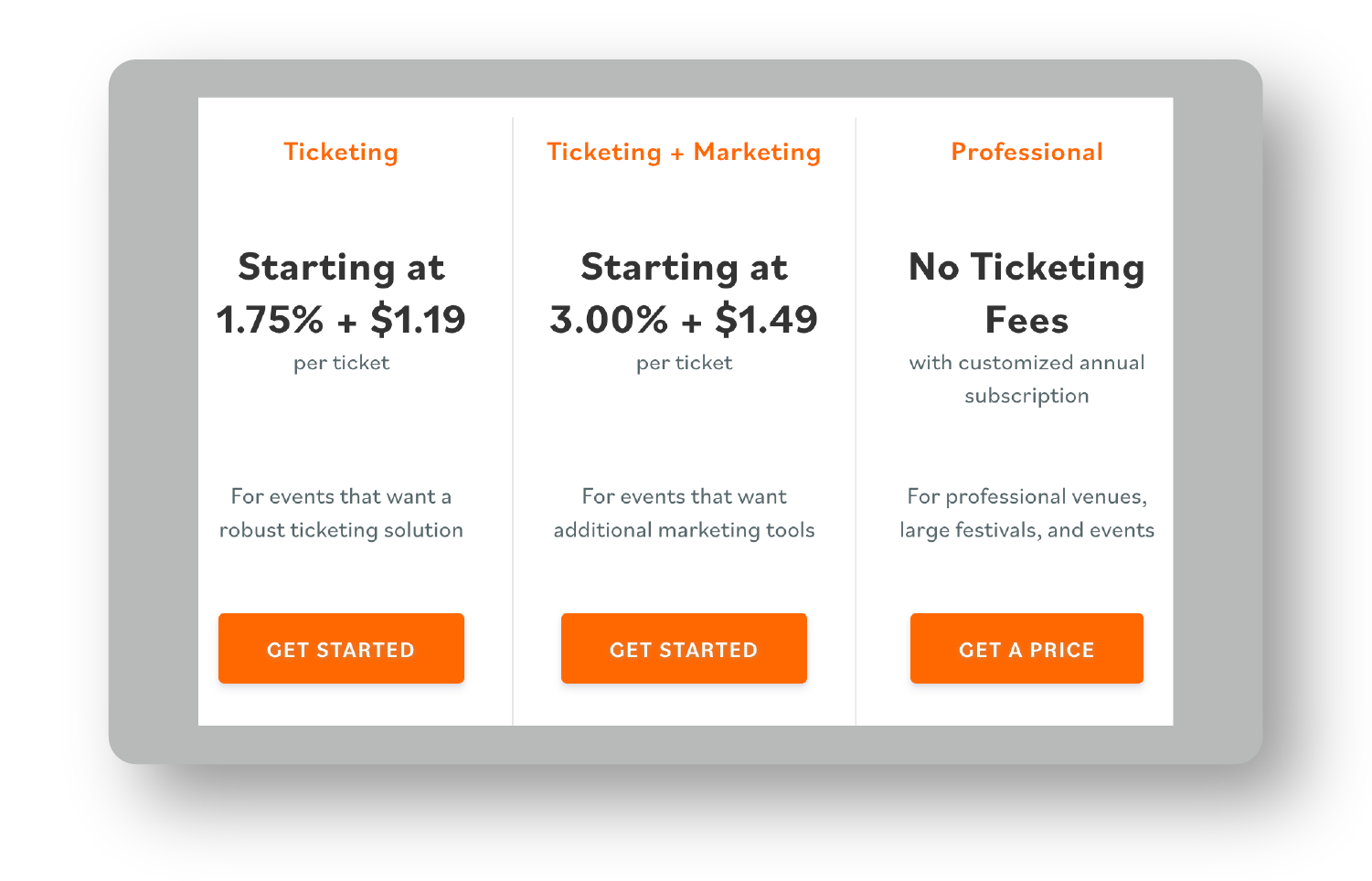
While your pricing matrix will look very similar, there are a few important differences. The pricing matrix has a name for each level and a quick one-liner that indicates who each plan is for. It also includes a section for your value metric(s) and gives a high-level breakdown of features.
A good pricing matrix gives users just enough information to make a decision. No more, no less.
Let’s build yours.
Step 1: Name Your Plans
Don’t get fancy. A generic pricing plan name is better than something that confuses users.
Some common plan names are:
- Basic, Pro, and Advanced
- Free, Starter, Professional
- Starter, Business, Enterprise
Even better, summarize what the plan enables you to do. For example, PromoTix uses Ticketing, Ticket + Marketing, and Professional as their three plan names.
Your Turn (To Fill In)
Step 2: Write a Positioning One-Liner
Positioning copy does two things well. It tells the user:
- Who this plan is for.
- What it enables them to do.
Here’s a good example from PromoTix.
Your Turn (To Fill In)
Without this one-liner, you’re asking too much of users. You’ll fail the 5-second skim test—the amount of time it should take users to identify the right plan for them.
Step 3: Define What’s Included
The hardest part of the pricing matrix is deciding what goes into each plan.
If you’ve filled out the DEEP Model, this should be a lot easier, but you’ll still need to make some crucial decisions:
- How much of any given value metric can I include in each plan?
- Which features do I highlight on the pricing page?
Give users just enough information to understand what they’re going to get without overwhelming them. Aim for no more than five features per plan. Ideally less. If users are super curious, you can always offer a full feature breakdown with a comparison chart below the pricing matrix.
List how much of any given value metric you’re giving away for free. Make the value metric the first feature in this section so users can quickly scan each plan.
If you have non-obvious features, underline some of them and add a tooltip that quickly explains the feature right on the pricing page.
Before moving on to the last step, decide:
- How much of a value metric is included in each plan.
- Which features are included in each plan, and which three to five to showcase. This should be closely tied to the solutions you built out in the Model Component.
Your Turn (To Fill In)
Step 4: Call-to-Action
Lastly, list out the call-to-action (CTA) for visitors to take the first step.
For most product-led companies, this is typically “Get Started For Free,” “Try For Free,” or “Start Free Trial.”
Make sure the next action is obvious and that every CTA is the same. However, you might want to say something like “Contact Us” or “Talk to Sales” for an advanced plan if you really do need to talk to them.
The CTA for the most popular plan should stand out with a high-contrast color (this is typically the middle plan).
Your Turn (To Fill In)
You have the skeleton of your pricing page. You’re still missing one critical piece of information: the price.
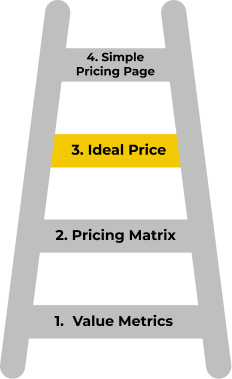
Phase 3: Determine the Ideal Price
One of the best ways to understand how much your customer is willing to pay for your product or service is to base your pricing on market and customer research.
The model I’m about to share with you is based on the Van Westendorp Price Sensitivity Meter. That’s a bit of a mouthful, so we’ll just refer to it as the 'Van West Model' from here on out.
This is the same model pricing experts at ProfitWell, OpenView, and Simon-Kucher use to help SaaS businesses nail their pricing. (I’m not sharing their proprietary method. This is simply one part of their framework.) The Van West Model will help you find an acceptable range.
Finding an acceptable price range is especially important because you want to avoid two disastrous consequences:
- You set your price too high and lose out on most sales.
- You set your price too low and lose out on most profits (while also hurting your brand, which appears “cheap”).
You can figure out the acceptable price range in three steps.
Step 1: Choose a Plan
Don’t make the simple mistake of sending out a pricing survey without being crystal clear on the plan it applies to.
Most product-led companies should start with their intermediate plan, as this has the greatest number of paid signups.
Step 2: Prep Your Pricing Survey
Pricing studies are dry for most founders, so let’s give a fun example of how OpenAI used the Van West Model to nail down their pricing for ChatGPT Pro.
First, they asked free users to join a waitlist for their upcoming paid plan. After joining, they took you to a Google Form (nothing fancy).
Once there, they gave you a simple three-bullet overview of what the paid product would enable you to do.
ChatGPT Professional is geared towards professional use with:
- Always available (no blackout windows)
- Fast responses from ChatGPT (i.e., no throttling)
- As many messages as you need (at least 2X regular daily limit)
They stated that they might reach out to you if you’d like to upgrade.
They asked several key questions:
For many early-stage companies, the ChatGPT example may be a tad overkill.
Most of you can get away with asking these five questions:
- What's your email address?
- What's your country of residence?
- Please describe the most valuable thing you use our product for.
- At what price ($ per month) would [our product] seem “expensive” (you’d have to think twice about buying it)?
- At what price ($ per month) would you consider to be an “acceptable” price (good value for the money) for [our product]?
Kyle Poyar, Operating Partner at OpenView, introduced me to this simplified version with only two questions.
- What would you consider to be an “acceptable” price (good value for the money) for [our product]?
- When would [our product] seem “expensive” (you’d have to think twice about buying it)?
If you don’t have many customers, use Kyle’s method. You’ll get more people to answer your questions, which is a challenge in itself.
🎁Action Tool: Pricing Survey Template
We made a free survey template for you. Claim it at ProductLedPlaybook.com.
Step 3: Who and How to Ask
The ideal people to ask depends on which plan you’re trying to price. If you’re trying to price your intermediate package, ask your ideal free users. If you’re trying to price your advanced package, ask your intermediate plan customers.
Who you ask matters more than how you ask.
Your ideal users might value the product at 10x the amount that non-ideal users do. If you jumble up all the data, you could pick an ideal price range for everyone while missing out on landslide profits from ideal users.
So how do you ask them?
ChatGPT didn’t even mention it was a pricing study. No one wants to fill out a pricing study. But who wants to join a waitlist for a new product? A lot more people!
How you frame this study is critical to getting more data. If you haven’t launched this new plan yet or you’re simply rebranding it from something like a “Pro” plan to another name, there’s no harm in using the waitlist approach either.
How do you drive traffic to the survey?
- In-app notifications.
- Manually emailing free users who are a great fit.
- Email notification asking for participation in a pricing survey.
Create a mini-marketing plan to get your pricing survey out to the right users so you can get solid data to pinpoint the ideal price range.
Step 4: Decide on Your Price
With the Van West Model, you want to create a graph with the data you’ve collected. The X-axis includes the prices people said they’d be willing to pay, and the Y-axis shows the percentage of people who selected each price range.
Pay attention to the points of intersection. Between the “Acceptable” and “Too Expensive” price ranges, the Optimal Price Point shows where people consider your product a good value. Don’t charge less than that.
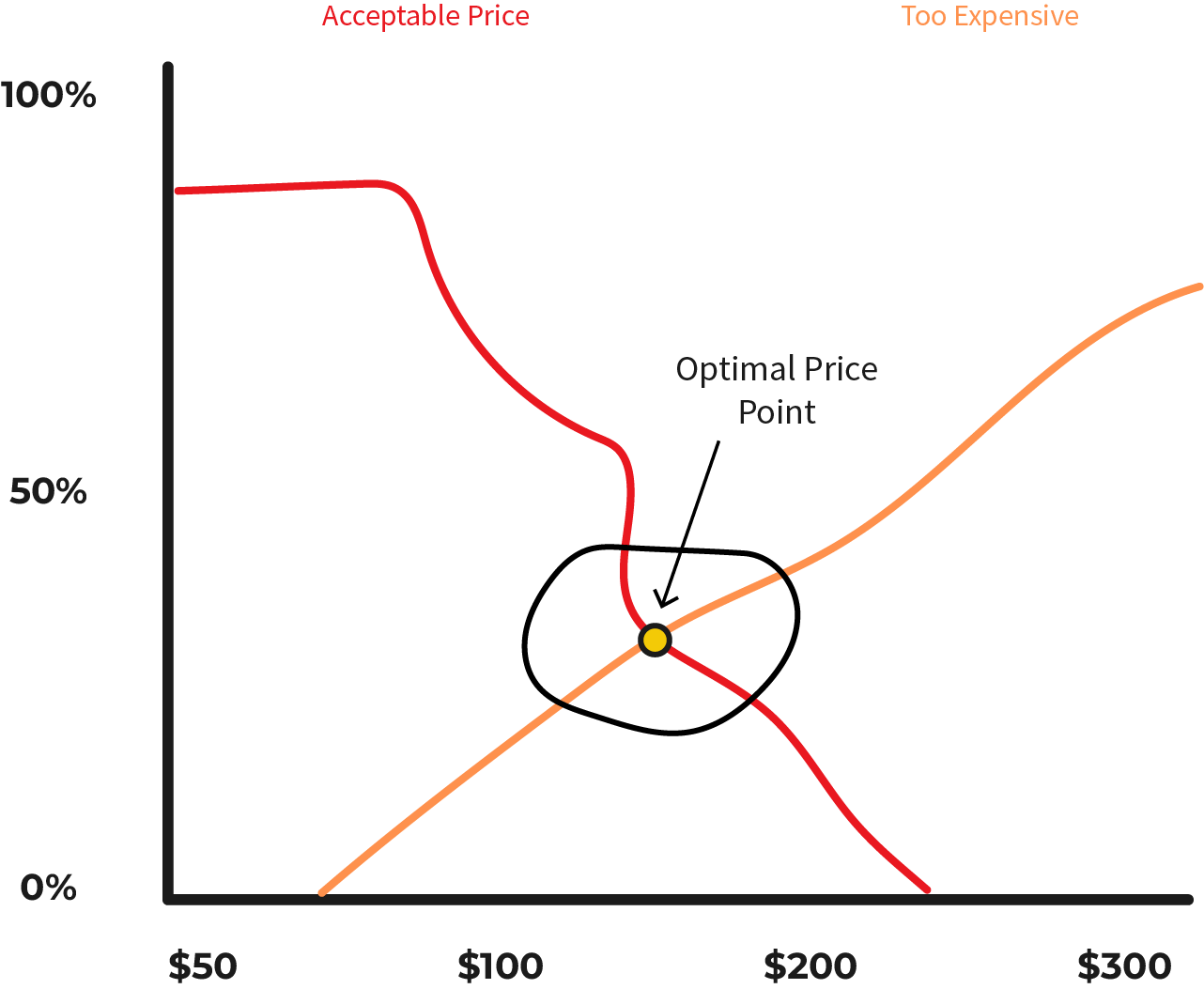
At the intersection of “Acceptable Price” and “Too Expensive,” you’ll find the Optimal Price Point. This is an excellent place to be—the point where people are most likely to buy.
Use these intersections to determine the pricing for each plan you offer.
Your Turn (To Fill In)
We’re on the home stretch. Let’s refine your pricing page with all your new learnings.
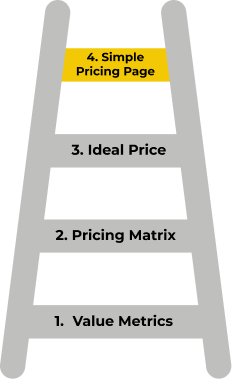
Phase 4: Build Your Simple Pricing Page
Have you ever loved a company’s website and product only to get completely confused on the pricing page? It’s disappointing—and more common than you think.
The gold standard for a pricing page is for users to be fully confident about the right plan for them in less than five seconds.
To do that, your pricing page must have three components:
1. A tagline that anchors your price: This could be when you present a high initial price on the left to make other prices seem more reasonable or attractive in comparison. Or include copy that positions your product against something that seems more affordable.
For instance, at ProductLed, we mention right before our pricing that hiring a ProductLed Implementer costs less than a single sales rep, yet unlocks a product that sells itself. Before you see our price tag, you’re thinking of the cost of a sales rep. When you see the investment, it seems like a no-brainer. This is effective because without a price anchor, users are left to wonder if your price is a good deal.
2. Your pricing matrix: Add your ideal prices to the pricing matrix. You might want to add a pricing toggle to allow users to switch between monthly and annual pricing.
3. Frequently asked questions (FAQs): Most companies overuse the FAQ section. If everyone has the same question, it should be in the copy on your homepage. If some but not most people have a question, include it in your FAQ. If few ask it, cut it out. Use a chat bubble to prompt users to reach out if they have additional questions.
To boost conversions, consider the following (optional) enhancements:
Why choose your product: Remind users why they should choose your product. This adds healthy redundancy and reassurance. Users are on this page trying to make a buying decision—remind them they’re making a fantastic choice.
Risk Reversal: Wherever your users sniff out risk, reassure them that everything is going to be okay. Choose the biggest risk and address it head-on.
Social Proof: Aim to have at least three pieces of social proof that relate to users’ top three objections.
Now you’re ready to put everything together in the Value Ladder Canvas.
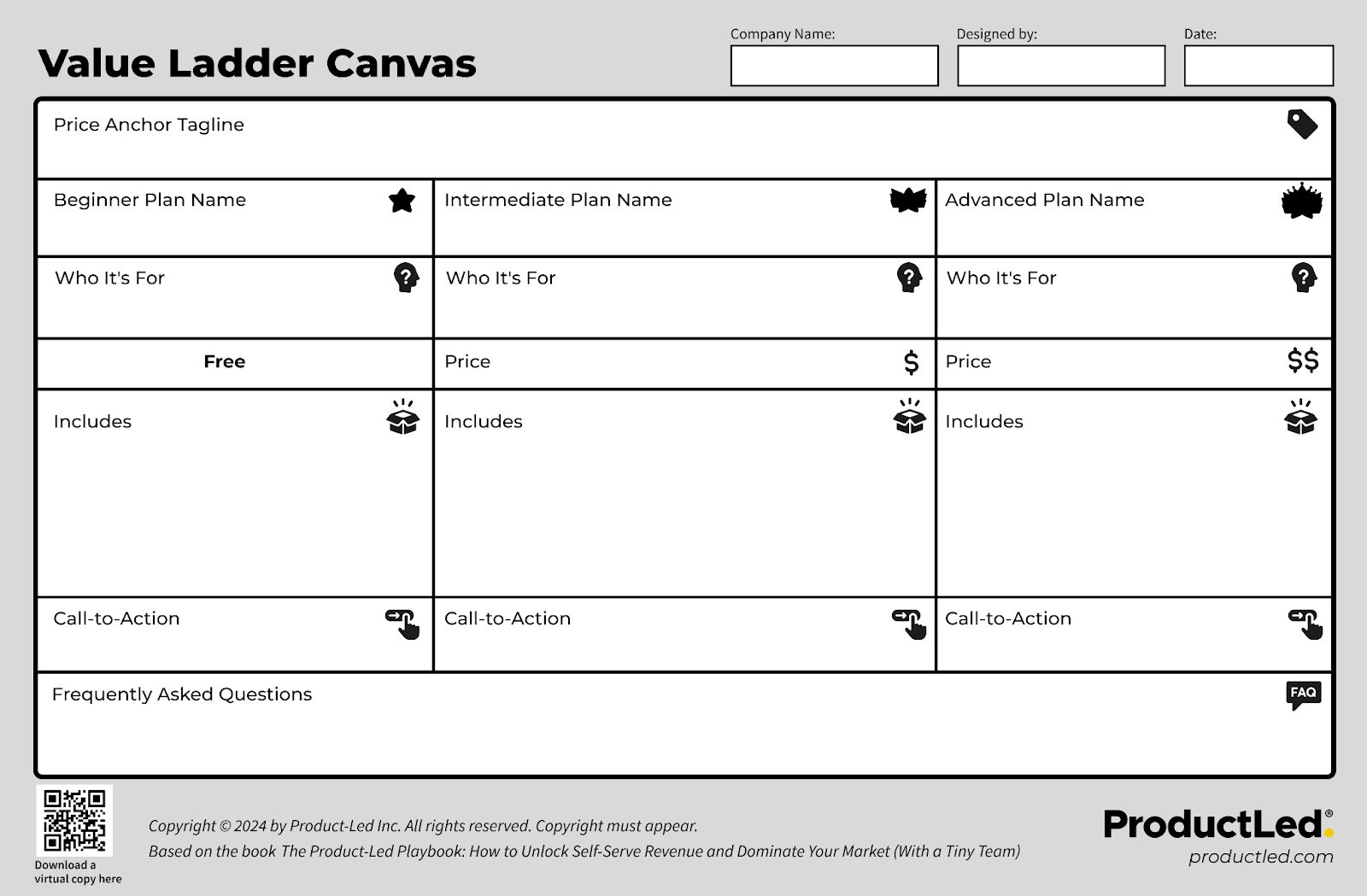
🎁Action Tool: Value Ladder Canvas
Grab our free Value Ladder Canvas at ProductLedPlaybook.com to follow along with this activity.
Finally, your pricing isn’t a one-off event. It should be something you consistently re-evaluate and update—it’s one of the most important levers for your business.

Go all in on product-led growth.
Get three complementary playbooks to turn your product into your biggest growth engine. Read or listen anywhere, on your own or with your team.
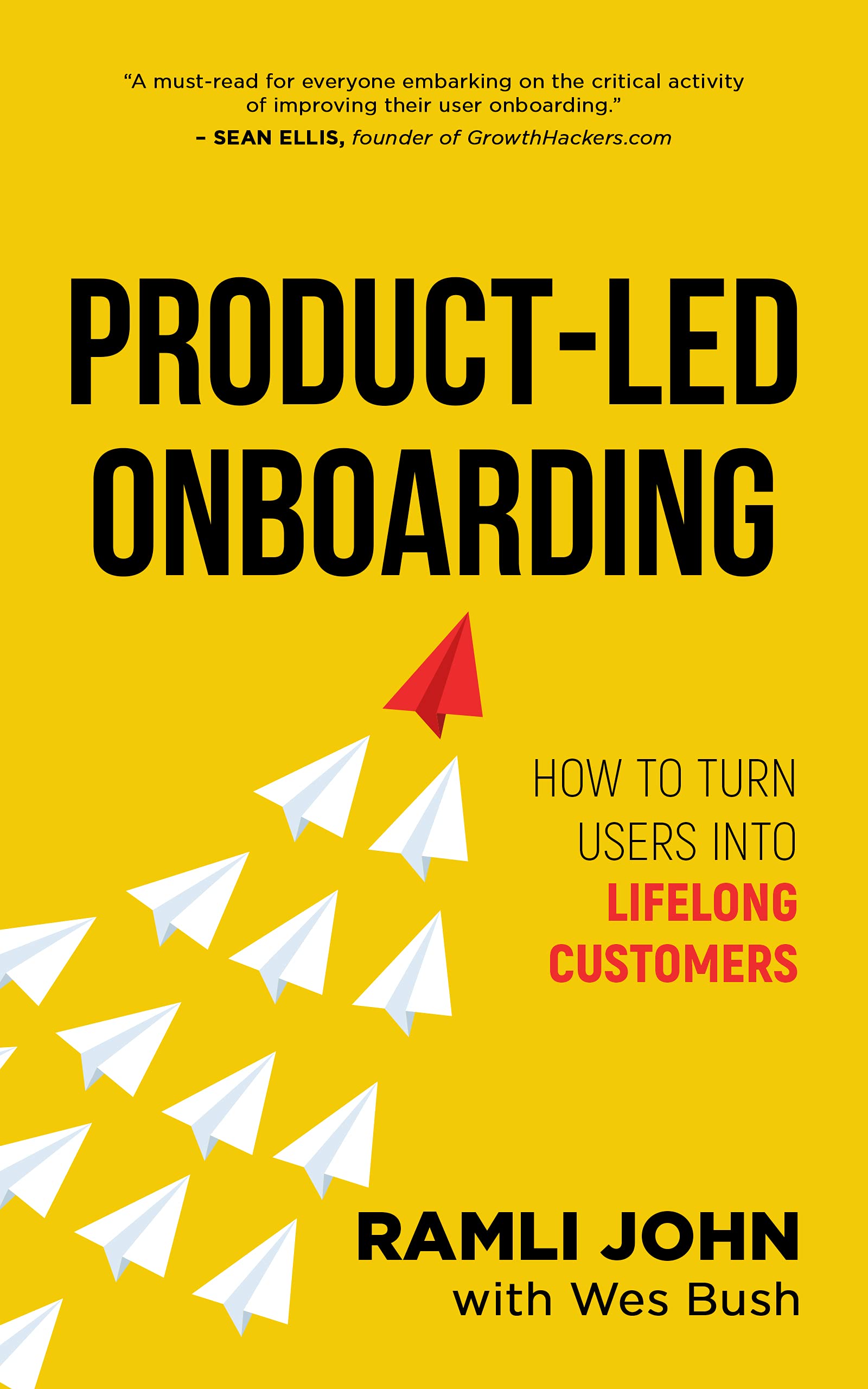
Take {book} with you.
- Download the PDF and EPUB
- Listen to the full audiobook
- Read or listen on your preferred device
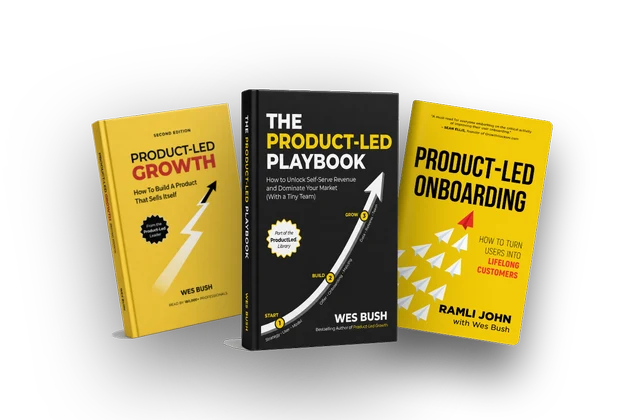
Get the complete ProductLed Library for $10 more.
- Product-Led Growth
- The Product-Led Playbook
- Product-Led Onboarding
- All three as PDFs, EPUBs, and audiobooks
- Wes Bush AI to help you apply what you learn
For individual use.
Get all three books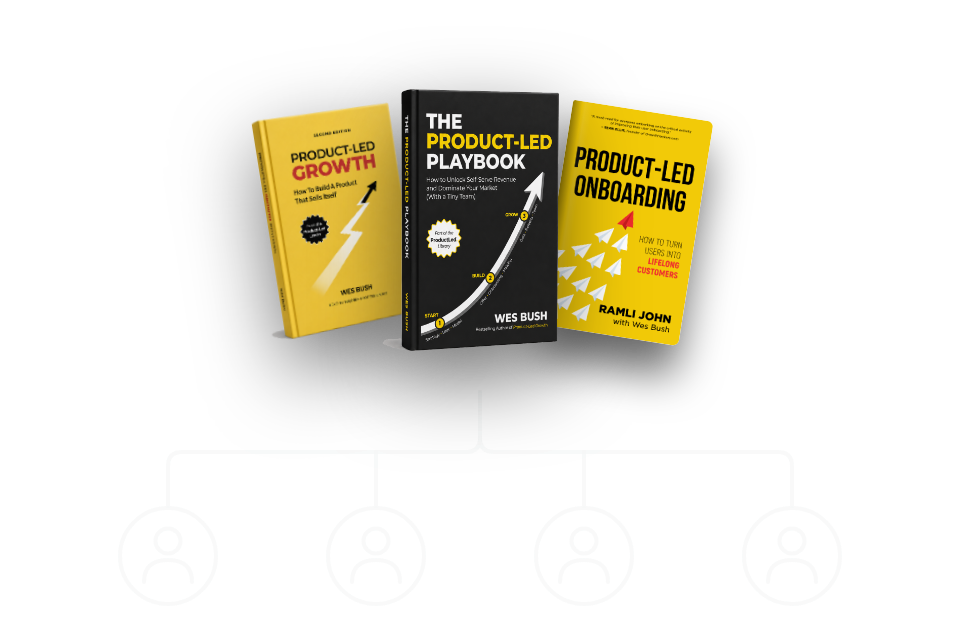
Give your team a shared playbook for growth.
- Everything in the three-book bundle
- Access for everyone on your team
- Each teammate chooses how to read or listen
- Wes Bush AI for every teammate
One purchase. Unlimited teammates.
Get the team bundlePrefer print? Get a paperback on Amazon →